Shopping Cart
LIMITED TIME UPGRADES

Self Tanner Kabuki Brush Set

Crème solaire pour le visage - FPS 20
Customers also bought


 60-DAY Money back guarantee

90,000+
Boxes Enjoyed
7,000+ Reviews
★★★★★
1 Box =
Infinite Possibilities
If Ulta + Costco had a baby
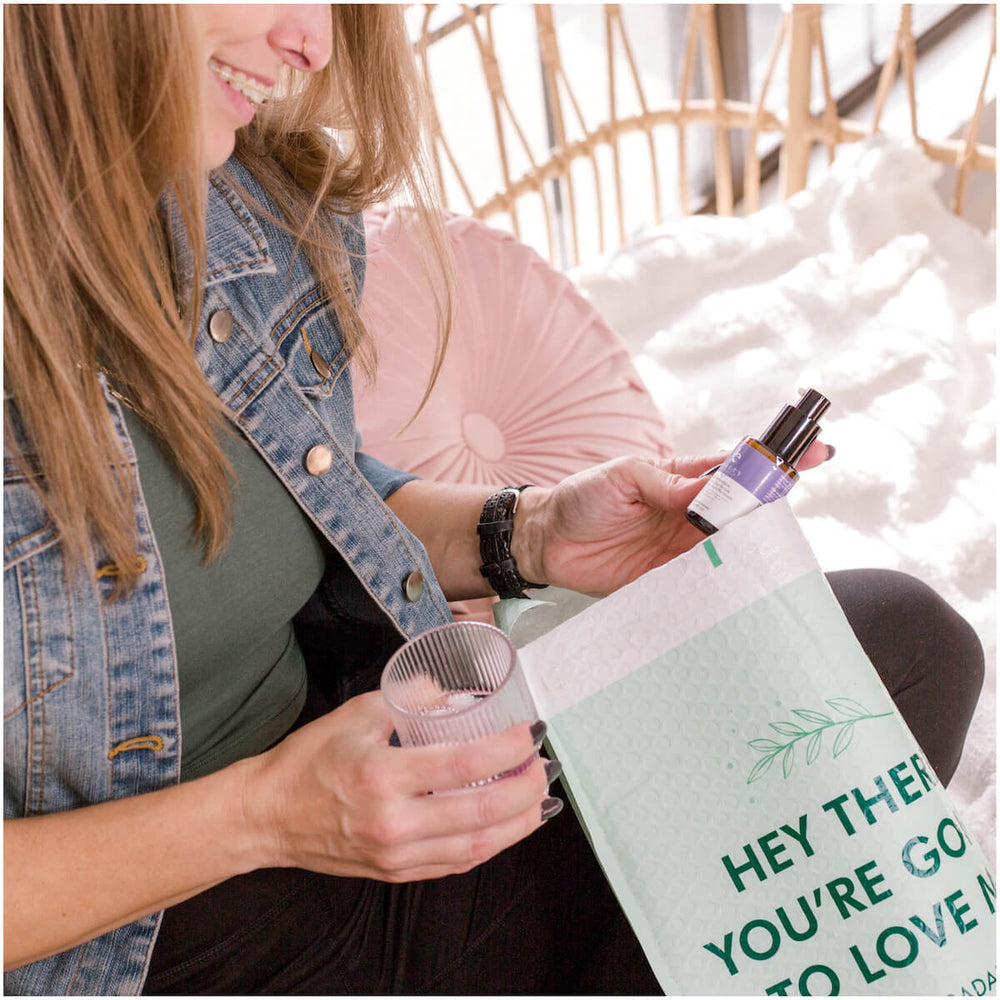


Essentially Different ✨

Pick whatever you want
Risk-Free, Happiness Guarantee
Full-size products
Always Ships Free
Zero Commitment
Items pre-determined
Can't return products if you don't like them
Sample Sizes
Shipping "cooked in"
Hard to Cancel
BUILD YOUR BOX
$0.00
$0.00
*Enjoy Free Shipping on all Essentials Club orders!
choose a plan
- 3 products
- completely customizable
- unlimited swaps
- exclusive customer service
- Modify, Skip, or Cancel anytime
- Save avg. $26
- Free shipping ($5.49 value)
- Free gift ($24.99 value)
- Shipping Protection ($9.99 value)
- 4 products
- completely customizable
- unlimited swaps
- exclusive customer service
- Modify, Skip, or Cancel anytime
- Save avg. $45
- Free shipping ($5.49 value)
- Free gift ($24.99 value)
- Shipping Protection ($9.99 value)
- 5 products
- completely customizable
- unlimited swaps
- exclusive customer service
- Modify, Skip, or Cancel anytime
- Save avg. $62
- Free shipping ($5.49 value)
- Free gift ($24.99 value)
- Shipping Protection ($9.99 value)
- 6 products
- completely customizable
- unlimited swaps
- exclusive customer service
- Modify, Skip, or Cancel anytime
- Save avg. $74
- Free shipping ($5.49 value)
- Free gift ($24.99 value)
- Shipping Protection ($9.99 value)
FAQ
Your Questions, Answered
1: Log in to your beautybyearth.com account.
2: From the top navigation, go to Resources > Manage My Subscriptions
3: Click the button next to your Essentials Bundle that says, "Manage Subscriptions"
4: Now click the "Update Contents" button at the top of the screen.
5: From the "Quantity" dropdown, select how many products you'd like to receive in your bundle—3, 4, 5, or 6.
6: If you're adding a product, you'll need to now select which item will be added to your subscription. Click the "+" button next to the product(s) you want. If you're removing an item, change the item's number to 0 and click save.
7: If you upgrade your bundle, your card will not be charged until your normal renewal date. At that time, your card will be charged the amount corresponding to the current number of products you've selected in your subscription.
1: Log in to your beautybyearth.com account.
2: From the top navigation, go to Resources > Manage My Subscriptions
3: Click the button next to your Essentials Bundle that says, "Skip Shipment"
4: A panel will slide out showing you your next scheduled delivery date. Click the "Skip" button. A new date will now appear showing that you've successfully skipped your next shipment.
We're so sure you'll love your products that we offer a 60-day money-back guarantee and free, easy returns.
1: Log in to your beautybyearth.com account.
2: From the top navigation, go to Resources > Manage My Subscriptions
3: Click the button next to your Essentials Bundle that says, "Manage Subscriptions"
4: Now click the "Update Contents" button at the top of the screen.
5: From the "Quantity" dropdown, select how many products you'd like to receive in your bundle—3, 4, 5, or 6.
6: If you're adding a product, you'll need to now select which item will be added to your subscription. Click the "+" button next to the product(s) you want. If you're removing an item, change the item's number to 0 and click save.
7: If you upgrade your bundle, your card will not be charged until your normal renewal date. At that time, your card will be charged the amount corresponding to the current number of products you've selected in your subscription.
Change the Next Delivery Date
1. Log in to your beautybyearth.com account.
2. From the top navigation, go to Resources > Manage My Subscriptions
3. Click the button next to your Essentials Bundle that says, "Manage Subscriptions"
4. Click the "Next Charge Date" button. This will display a calendar view.
5. Select the date you'd like to receive your Essentials bundle and click the "Update next Shipment Date." If you want your products immediately, just click the "Order Now" button.
Change Your Delivery Frequency
1. Log in to your beautybyearth.com account.
2. From the top navigation, go to Resources > Manage My Subscriptions
3. Click the button next to your Essentials Bundle that says, "Delivery Schedule."
4. From the pannel, choose whether you want your box to arrive every 4, 5, 6, 7, or 8 weeks.
5. Click the "Update" button.
Skip Your Next Delivery
1. Log in to your beautybyearth.com account.
2. From the top navigation, go to Resources > Manage My Subscriptions
3. Click the button next to your Essentials Bundle that says, "Skip Shipment"
4. A panel will slide out showing you your next scheduled delivery date. Click the "Skip" button. A new date will now appear showing that you've successfully skipped your next shipment.
1. Log in to your beautybyearth.com account.
2. From the top navigation, go to Resources > Manage My Subscriptions
3. Click the button next to your Essentials Bundle that says, "Manage Subscriptions"
4. Now click the "Update Contents" button at the top of the screen.
From the "Quantity" dropdown, select how many products you'd like to receive in your bundle—3, 4, 5, or 6.
5. If you're adding a product, you'll need to now select which item will be added to your subscription. Click the "+" button next to the product(s) you want. If you're removing an item, change the item's number to 0 and click save.
6. If you upgrade your bundle, your card will not be charged until your normal renewal date. At that time, your card will be charged the amount corresponding to the current number of products you've selected in your subscription.